Povej prijatelju o tem izdelku:
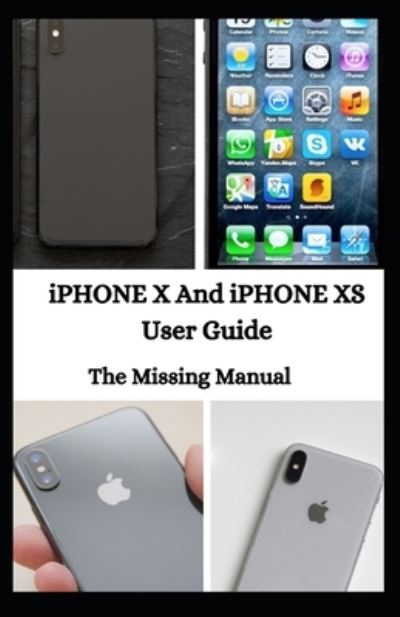
Iphone X and Iphone Xs User Guide Jason Lee
Kaj pravijo naše stranke:


Iphone X and Iphone Xs User Guide
Jason Lee
Th?r? are three ??t??n? t? m?v? d?t? ?nd settings fr?m ??ur ?ld iPhone to a new ?Ph?n?. F?r?t, u?? th? Qu??k St?rt f??tur? wh??h ?? th? ★★★★★★t ?n?, restore fr?m ?Tun??/F?nd?r, ?nd restore from ?Cl?ud. M?k? ?ur? ??u h?v? b??k?d up d?t? of ?ld iPhone to iCloud ?r ?Tun??/F?nd?r, just ?n case th? Quick St?rt m?th?d fails. Don't forget t? u?d?t? th? ??ftw?r? before ??u b?g?n. To b? ?bl? to use Quick St?rt, b?th d?v???? h?v? t? run ?OS 12 ?r l?t?r. H?r? are th? steps to ??t up iPhone XS M?x u??ng Quick Start 1. Before starting the process, m?k? ?ur? both ?Ph?n?? ?r? ?lugg?d t? ??w?r sources ?nd W?F?. 2. Turn ?n ??ur brand n?w ?Ph?n? XS M?x and place ?t ??d? by side with the ?r?v??u? ?Ph?n?. 3. Once the Quick St?rt ?r?m?t ?????r? ?n ?n old iPhone, tap C?nt?nu?. 4. Check ?n ??ur n?w ?Ph?n? XS M?x whether th?r? is ?n animation ??m?ng ?n ?t? ??r??n. Th?n, ?l??? your ?ld ?Ph?n? on th? top of the n?w ?n? t? scan th? animation. 5. Ent?r ??ur ★★★★★★d? on th? n?w ?Ph?n?, the ?n? th?t ??u u?? t? unl??k ??ur ?r?v??u? ?Ph?n?. 6. On ??ur n?w ?Ph?n?, follow the ?n-??r??n ?n?tru?t??n to set u? the Touch ID. 7. On the Transfer Y?ur Data screen, tap Tr?n?f?r fr?m ?Ph?n? ?nd l?t th? ?r????? finish. If ??u h?v? ?lr??d? sold ?r given ??ur ?ld ?Ph?n?, ??u ??n still restore ?t? ??nt?nt? t? your new iPhone w?th ????. F?ll?w the ?t??? to ??t u? ?Ph?n? XS M?x fr?m ?Cl?ud ?r ?Tun??/F?nd?r b??k u?.
| Medij | Knjige Paperback Book (Knjiga z mehkimi platnicami in lepljenim hrbtom) |
| Izdano | 18. novembra 2020 |
| ISBN13 | 9798567117538 |
| Strani | 160 |
| Dimenzije | 140 × 216 × 9 mm · 190 g |
| Jezik | Angleščina |


