Povej prijatelju o tem izdelku:
The Beginner's Guide to Mastering The iPad Pro Tech Reviewer
Naročeno iz oddaljenega skladišča
 Božična darila lahko vrnete do 31. januarja

Kaj pravijo naše stranke:


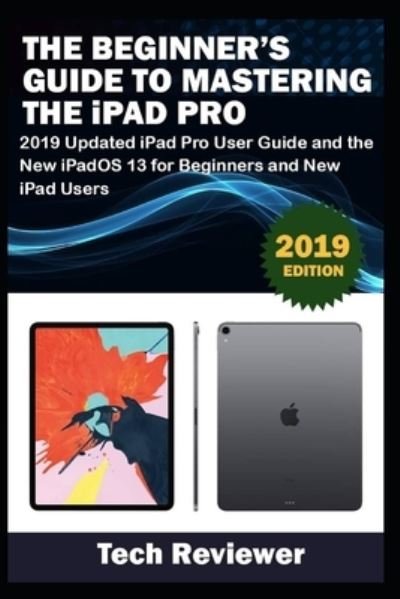
The Beginner's Guide to Mastering The iPad Pro
Tech Reviewer
A Comprehensive User Guide with Screenshots to Guide you in operating your 2018 iPad Pro with the iPadOS/ iOS 13.
The iPad Pro was launched on the iOS 12 software which limited the amount of multitasking you can do on the iPad. The good news is that there is a new iOS 13 upgrade as well as an iPadOS software specially designed for iPads to improve the multitasking feature of your device along with several other functions.
The iPadOS is a version of the iOS 13 specifically designed for iPad devices. Asides changing the name of the software, the new OS would exclusively focus on expanding features as well as introduce new features to meet the iPad's advanced multitasking capabilities.
The combination of the iPadOS 13 and the iOS 13 comes with lots of new features that can look a little overwhelming when using it for the first time. This user guide would benefit seniors, beginners as well as new iPad Pro users as it contains in-depth guide on features and tips you need to explore to achieve maximum performance on your device.
Some of the things you would learn in this book include:
How to make use of the Apple PencilHow to multitask on your iPad Pro. How to Use external storage drive with your iPadHow to sketch and draw with the Apple pencilHow to download and install fontsHow to share music over AirPodsHow to Use Cycle Tracking in HealthHow to Use your iPad as Second Mac DisplayHow to Use the Find My AppHow to Edit Photos and Rotate VideosHow to Use "Sign IN with Apple"How to Enable Dark ModeHow to Install and Download the iOS 13 and iPadOS on your iPad ProHow to Use Look Around feature in Apple MapsHow to Customize Your Memoji and AnimojiHow to Play Live Radio Through SiriHow to Use Screen TimeHow to Set App LimitsHow to Use the New Reminders appHow to Use Swipe TypingComplete list of the keyboard shortcuts as confirmed by AppleHow to Remove Location Details from your PhotosHow to Set a Profile picture and Name in iMessagesHow to Set Optimized Battery ChargingHow to Pair your iPad with a DualShock 4 and Xbox one SHow to Use the New Gestures for Copy, Cut, Paste, Redo and UndoHow to Connect to Paired Bluetooth Devices or Wi-fi from Control CenterHow to Download Large Apps over Cellular NetworkHow to Scan Documents and Save screenshots Straight to Files AppOperating the Safari Browser in iPadOSAnd lots more!
Value Add for this book
A detailed table of content that you can always reference to get details quickly and more efficiently. Step by step instructions on how to operate your device in the simplest terms, easy for all to understand. Latest tips and tricks to help you enjoy your device to the fullest.
Click on Buy Now to get this book and begin to do more productive activities with your new iPad.
| Medij | Knjige Paperback Book (Knjiga z mehkimi platnicami in lepljenim hrbtom) |
| Izdano | 4. oktobra 2019 |
| ISBN13 | 9781697537291 |
| Strani | 158 |
| Dimenzije | 152 × 229 × 9 mm · 240 g |
| Jezik | Angleščina |